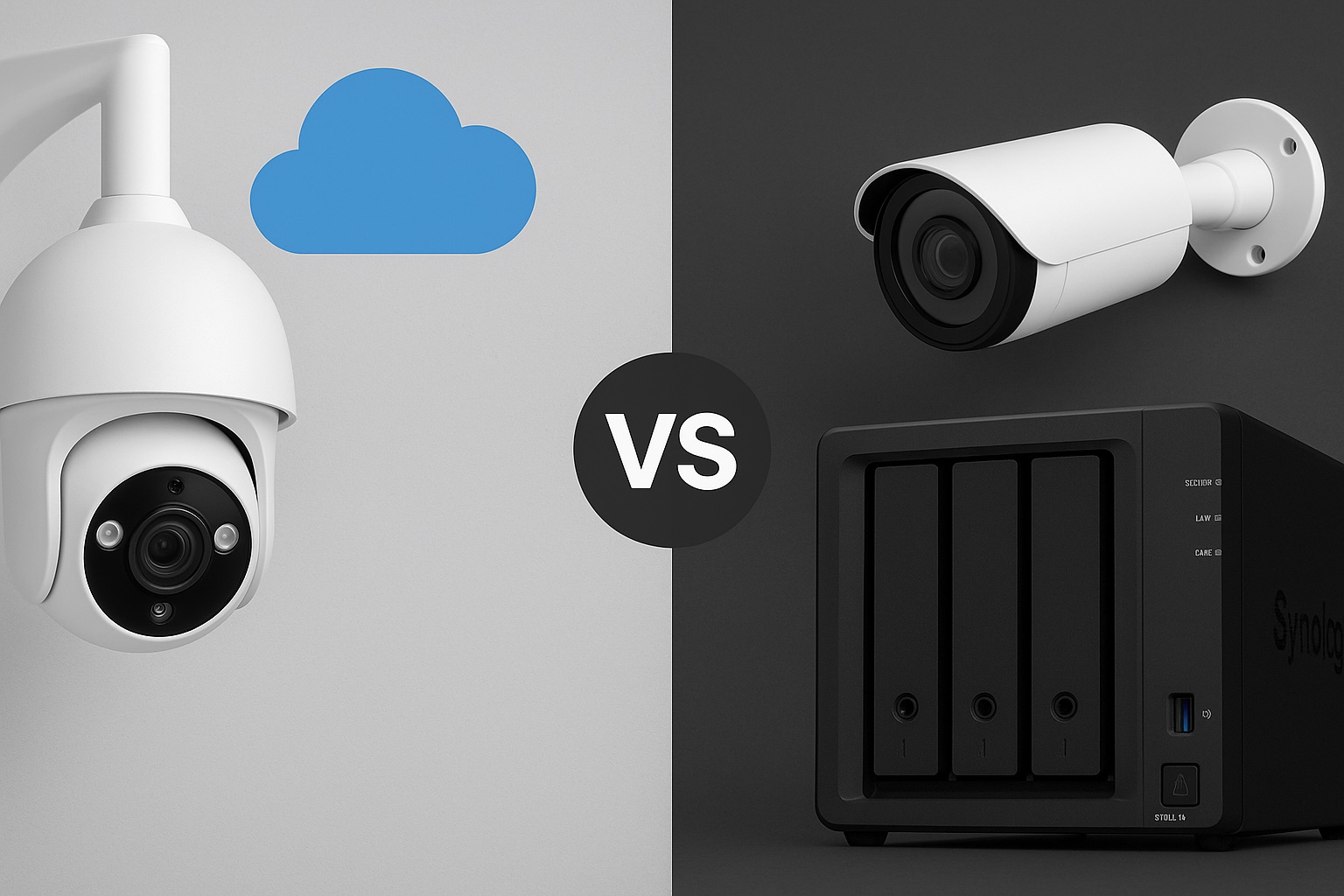
In my last post, I explored several great security cameras compatible with NAS setups—particularly Reolink’s models, known for solid RTSP and ONVIF support. Since then, I’ve been digging deeper into my camera choices, evaluating specific brands, features, and compatibility.
I haven’t pulled the trigger just yet, but since many of you are probably going through a similar selection process, I thought I’d share exactly what’s guiding my decision-making.
Some of the links in this post are affiliate links. If you buy something through them, I may earn a small commission — it doesn’t cost you anything extra, and it helps support the site.
My Current Home Setup
Here’s a quick overview of what I have today:
- NAS: UGREEN NASync DXP2800 (2-bay NAS, RAID1, NVMe SSDs)
- Software: Docker with Home Assistant, Pi-hole, and several self-hosted apps
- Existing Cameras: Two SwitchBot outdoor cameras (USB-powered, each with built-in 10,000mAh battery backup)
- Camera locations:
- Front door camera: Covers people approaching the house
- Driveway camera: Covers the front area of my home, including mailbox, car, and motorcycle
- Cabling: USB cables (8–10 metres each), neatly routed through trunking to keep everything tidy
- Storage: Local recording to NAS only—avoiding cloud storage for privacy reasons
Reflecting on My Current Setup
My current USB-powered SwitchBot outdoor cameras have a real advantage with built-in batteries, ensuring they keep working even during a power outage. This provides peace of mind, knowing I’ll maintain video coverage in emergencies.
However, despite neatly routed cables through trunking, the setup isn’t ideal. The main issue is cable length: each USB cable runs approximately 8–10 metres, which is right at the top end of USB power delivery limits. Although significant reliability issues rarely occur, the long cables occasionally result in slow charging times for the cameras, especially at the front door due to higher usage.
The biggest frustration with my current setup is motion detection. Even though the SwitchBot cameras claim human-only detection, they regularly produce false positives, especially at night due to dust, spider webs, and minor movements. This issue significantly impacts the usefulness and reliability of my security system.
Why Upgrading to PoE Makes Sense
Switching to Power over Ethernet (PoE) cameras addresses these reliability issues. Each camera will still have its own cable, just like my USB setup—but the critical advantage of PoE is combining power and stable high-speed data over a single Ethernet cable. Ethernet comfortably supports cable lengths up to 100 metres without voltage drops or data issues, easily covering the longest cable runs around any typical home. Commonly recommended PoE switches include models from TP-Link, Netgear, and Ubiquiti, which are known for reliability, ease of use, and good compatibility with a wide range of PoE cameras.
Additionally, a centralised PoE switch simplifies management, improving scalability and overall system stability. When combined with smart NAS integration and better software support, this represents a big upgrade over USB-powered Wi-Fi cameras.
If you’re in an apartment or smaller home, these benefits still apply—especially if you’re dealing with weak Wi-Fi signals or want something more reliable without relying on battery charging cycles. Even one or two well-placed PoE cameras can provide significantly better results with less hassle long term.
Key Features I’m Prioritising
These are the most important factors influencing my camera choice:
1. PoE Support
PoE delivers both power and reliable high-speed data over Ethernet cable runs up to 100 metres without signal or voltage drop. Perfect for my home, even at longer distances.
2. RTSP and ONVIF Compatibility
Essential for smooth integration with my NAS and smart home software like Home Assistant or Frigate, offering flexible, powerful video management.
3. Superior Infrared (IR) Night Vision
I’m specifically looking for strong infrared performance for my outdoor cameras. Colour night vision typically requires additional lighting—which I’d prefer to avoid to respect my neighbours’ privacy and comfort. IR performance stronger than my current SwitchBot cameras is a must.
4. Effective AI-Based Motion Detection
My current SwitchBot cameras claim human detection, but the reality is frequent false alarms—like spiders or dust particles triggering motion alerts multiple times per night. Reliable AI-powered detection, specifically tuned to distinguish humans, vehicles, and important events—is a big priority to reduce false positives.
5. Local Availability (Japan)
Being based in Japan, I prefer to purchase locally to avoid hassles with returns, warranty issues, and shipping. Accessibility and local support matter to me, so I typically check well-known local retailers like Amazon Japan, Rakuten, or Yodobashi Camera. However, these cameras are widely available internationally through major online stores as well.
Being based in Japan, I prefer to purchase locally to avoid hassles with returns, warranty issues, and shipping. Accessibility and local support matter to me.
Cameras I’m Considering Right Now
Below are the four cameras currently on my shortlist. I’ve included a deeper look at each one to help others who may be weighing similar options.
Reolink RLC-810A
- Price Range: $55–$80
- Resolution: 4K Ultra HD
- Smart Detection: Built-in human and vehicle detection
- NAS Compatibility: RTSP and ONVIF supported, works well with most NVR and NAS setups
- Pros: Excellent value for money, strong community support, widely available, simple setup
- Cons: Detection performance may vary depending on whether you’re using a Reolink NVR or third-party NAS software
- Use Case Fit: This is my leading candidate. It offers a great mix of reliability, smart detection, and direct NAS recording. It’s also widely supported in Japan and abroad. Reolink also offers several dome-style cameras if I decide to go with that format for front door coverage.
- Visual Placement: Best suited for covering driveways or home fronts with a clear line of sight.

TP-Link VIGI C340 / C540
- Price Range: $70–$110
- Resolution: Up to 4K depending on model
- Smart Detection: Person and vehicle detection (varies by model)
- NAS Compatibility: RTSP stream supported for use with NVRs and NAS systems
- Pros: Solid specs at an affordable price, increasingly available, backed by TP-Link’s reputation
- Cons: Ecosystem still maturing, some models lack smart detection entirely
- Use Case Fit: A strong alternative to Reolink, particularly if pricing or availability is more favourable at time of purchase.
- Visual Placement: Great for perimeter coverage or front yard monitoring.

UniFi G4 Bullet
- Price Range: $180–$250
- Resolution: 4MP (1440p)
- Smart Detection: Advanced analytics via UniFi Protect (not all features available with RTSP)
- NAS Compatibility: Partial – RTSP available but full functionality requires UniFi Protect NVR
- Pros: Premium build, clean design, exceptional image quality, long-term support
- Cons: Expensive, best used with UniFi ecosystem, availability limited in some regions
- Use Case Fit: A future-proof, high-end option if I decide to go all-in on UniFi. Less likely as a mixed system.
- Visual Placement: High-visibility areas or integrated with UniFi-managed homes.

Eufy E40 PoE
Visual Placement: Ideal for wall or eave mounting at entry points like front doors or side paths where human movement is the key concern.
Price Range: $100–$150
Resolution: 2K (2560 x 1440)
Smart Detection: AI-powered person detection built into the camera
NAS Compatibility: Supports RTSP for local recording to NAS systems (including Synology, QNAP, and others)
Pros: No monthly subscription, excellent privacy stance, clean design, local AI with good accuracy
Cons: No vehicle or pet detection, limited to person-only alerts, ecosystem not as mature as Reolink or UniFi
Use Case Fit: A promising option for users who want strong privacy and basic AI detection without relying on cloud storage or ongoing fees. If you’re looking for a simple, effective PoE solution that integrates with your NAS and covers standard entryways or paths, this is worth considering.

Prefer a complete system that works out of the box? If you’re looking for a plug-and-play PoE setup with local recording, Eufy’s NVR system offers a solid alternative. It includes four wired cameras, a 2TB drive, and AI person detection—perfect if you want to skip piecing together individual components.
Next Steps
With my honeymoon coming up soon, I’m holding off on any major purchases for now. I expect to make a final decision and start testing by the end of the year.
My current plan is to start with one Reolink RLC-810A camera, testing its integration, reliability, and feature set in my home environment. If it performs well, I’ll likely stick with Reolink for consistency across the system. That said, I’m still considering using a dome-style camera above the front door, as the ceiling above it could benefit from a wider field of view for better coverage.
Once the system is fully set up, I’ll publish a detailed guide covering:
- Direct NAS recording setup (using RTSP/ONVIF)
- Optimising motion detection and AI analytics for fewer false alerts
- Secure remote access without risking my network
If you’ve already made a similar upgrade—or you’re using PoE cameras in a similar NAS-based setup—I’d love to hear about your experiences, good or bad. Drop a comment below or use the contact form to get in touch.
Related Posts You Might Like:
- Best Security Cameras That Work Seamlessly with Your NAS
- Top 10 Docker Containers to Supercharge Your NAS
- Beginner’s Guide to Setting Up Your NASync
Looking forward to sharing more once I start testing!