UGREEN has finally revealed the next stage of its smart home plans, with HomeAgent now sitting at the centre of an ecosystem spanning security cameras, local AI, smart home control, voice assistants and local storage. There is a lot here that interests me, particularly after waiting most of the year for more information on the SynCare cameras first shown at CES.
The new hardware looks impressive, and UGREEN’s focus on keeping processing and storage local is exactly the direction I want smart home technology to move in. However, after going through the announcement, I am left with one fairly important question: if you already own a UGREEN NASync, do you actually need HomeAgent?
That matters because this isn’t quite how UGREEN originally presented SynCare.
SynCare Was Originally Built Around NASync
When UGREEN announced SynCare at CES 2026, it presented the range as a complete home security ecosystem consisting of indoor and outdoor cameras, the DB600 Pro video doorbell and a D500 smart display. More importantly for existing NAS owners, UGREEN specifically said the system would use encrypted local storage through UGREEN NASync, eliminating cloud storage fees. The OD600 Pro was also described as supporting uninterrupted 24/7 recording. Rack 2 Reality
That was one of the main reasons SynCare caught my attention. I already own a NASync, so the idea of adding a couple of PoE cameras and storing everything directly on hardware I already have makes considerably more sense than paying for another cloud subscription or buying a separate NVR. I went into much more detail on the original announcement in my first look at UGREEN SynCare, and at the time the relationship with NASync was one of the things that made the whole ecosystem particularly appealing.
UGREEN also said at CES that the SynCare range would arrive during the latter half of 2026. Fast-forward to September and the ecosystem now looks quite different. The D500 smart display and DB600 Pro doorbell are absent from the current crowdfunding lineup, while UGREEN has introduced an entirely new piece of hardware called HomeAgent and positioned it at the centre of its smart home ecosystem.
Update: SynCare Won’t Support Existing NASync Systems at Launch
Since publishing this article, UGREEN’s AIoT team has clarified the question I was waiting on. SynCare cameras will not connect directly to existing NASync systems at launch and are currently designed to work only with the HomeAgent series.
That is particularly disappointing given how SynCare was originally presented at CES, where UGREEN specifically promoted encrypted local storage through NASync. When asked about direct NASync support, UGREEN has not provided a roadmap or target date, and its team has said there are no near-term plans for integration with the existing NAS/iDX line.
For me, that changes the buying decision considerably. I was interested in the OD600 Pro specifically because I already own a NASync and wanted to add a couple of PoE cameras without buying another storage appliance. Requiring a $899 HomeAgent to use those cameras makes the setup very difficult to justify.
Unless UGREEN commits to direct NASync support, I will probably look at alternative PoE cameras that can record to the NAS I already own instead.
HomeAgent Is Much More Than a Smart Home Hub

There are three HomeAgent models, although realistically only the entry-level HA100 is going to make sense for most home users.
The HA100 uses a Rockchip RK3588 processor with 16GB of LPDDR5 memory and 26 TOPS of local AI performance. It has two SATA bays for normal NAS storage, a third dedicated NVR drive bay and an NVMe slot, alongside 2.5GbE networking and the hardware required to run UGREEN’s local AI system. UGREEN is offering it at $899 for the Super Early Bird Kickstarter tier, followed by $1,079 Early Bird pricing and an eventual MSRP of $1,799.
The HA100 Pro takes that considerably further with 32GB of memory, 205 TOPS of AI performance and 10GbE networking, but also jumps to $2,999 during the Super Early Bird period and $5,999 at retail. At the top sits the Nvidia Jetson Thor-powered MasterAgent MA100, with 128GB of shared memory and a completely different level of AI compute. It starts at $9,999 and carries an eventual $19,999 MSRP, so this is clearly no longer normal consumer smart home territory.
The interesting part of HomeAgent isn’t really the storage, though. It is the processing layer UGREEN is building on top of it.
HomeAgent is intended to analyse security footage locally, recognise people, vehicles, pets and packages, generate event summaries and allow recorded footage to be searched using natural language. UGREEN is also promising cross-camera tracking, where activity captured by several cameras can be linked together into a single timeline rather than forcing you to search each camera individually.
UGREEN is then extending that same platform into general smart home control. HomeAgent supports Matter and ONVIF devices, with Zigbee and Thread support also part of the platform, while Uliya acts as UGREEN’s own local voice assistant. The idea is effectively to combine a NAS, NVR, smart home hub and local AI server into one device.
As a concept, I like it. Local processing means considerably less reliance on somebody else’s cloud, and UGREEN says local data is protected with AES-256 encryption while remote access uses end-to-end encryption. There are also no mandatory cloud storage fees attached to the core system.
The problem is that I already own part of this system.
So What Does My Existing NASync Still Do?
Since publication, UGREEN has made its launch position clearer, although not in the way existing NASync owners were hoping.
My NASync already gives me local storage. It already runs Docker applications, and I already use it as part of my smart home setup. I actually run Home Assistant directly on the NAS through Docker, something I covered in my UGREEN NASync Home Assistant setup guide. More importantly, UGREEN specifically told us earlier this year that SynCare would use NASync for encrypted local storage. Nothing in the current announcement explicitly says that support has been removed.
What UGREEN does now say repeatedly is that certain SynCare features require HomeAgent.
That warning appears throughout the new camera material alongside features such as AI recognition, proactive alerts, event summaries, keyword video search and cross-camera timelines. The OD600 Pro itself is still advertised as using local AI to recognise people, vehicles, pets and packages, but UGREEN doesn’t provide a proper breakdown showing which processing happens on the camera and which requires HomeAgent.
That distinction is extremely important for existing NASync owners.
If my NASync can still provide 24/7 recording, timeline playback, remote viewing, normal notifications and the basic detection features I actually need, then I struggle to see why I would spend another $899 on HomeAgent. I am realistically looking at using two or perhaps three cameras, not building a sixteen-camera surveillance system.
I don’t need a second two-bay NAS just to tell me that a delivery driver walked past the house.
On the other hand, if UGREEN is moving basic SynCare functionality behind HomeAgent rather than limiting it to the more computationally intensive features, then the value proposition changes considerably.
What UGREEN really needs to publish is a simple NASync versus HomeAgent feature comparison. Can NASync still handle continuous SynCare recording? Can footage be viewed and searched through the normal UGREEN software? Do basic person and vehicle alerts work without HomeAgent? Does the OD600 Pro perform any useful recognition itself? Is HomeAgent only required for things such as natural-language search, event summaries and cross-camera tracking?
At the moment, we don’t have those answers.
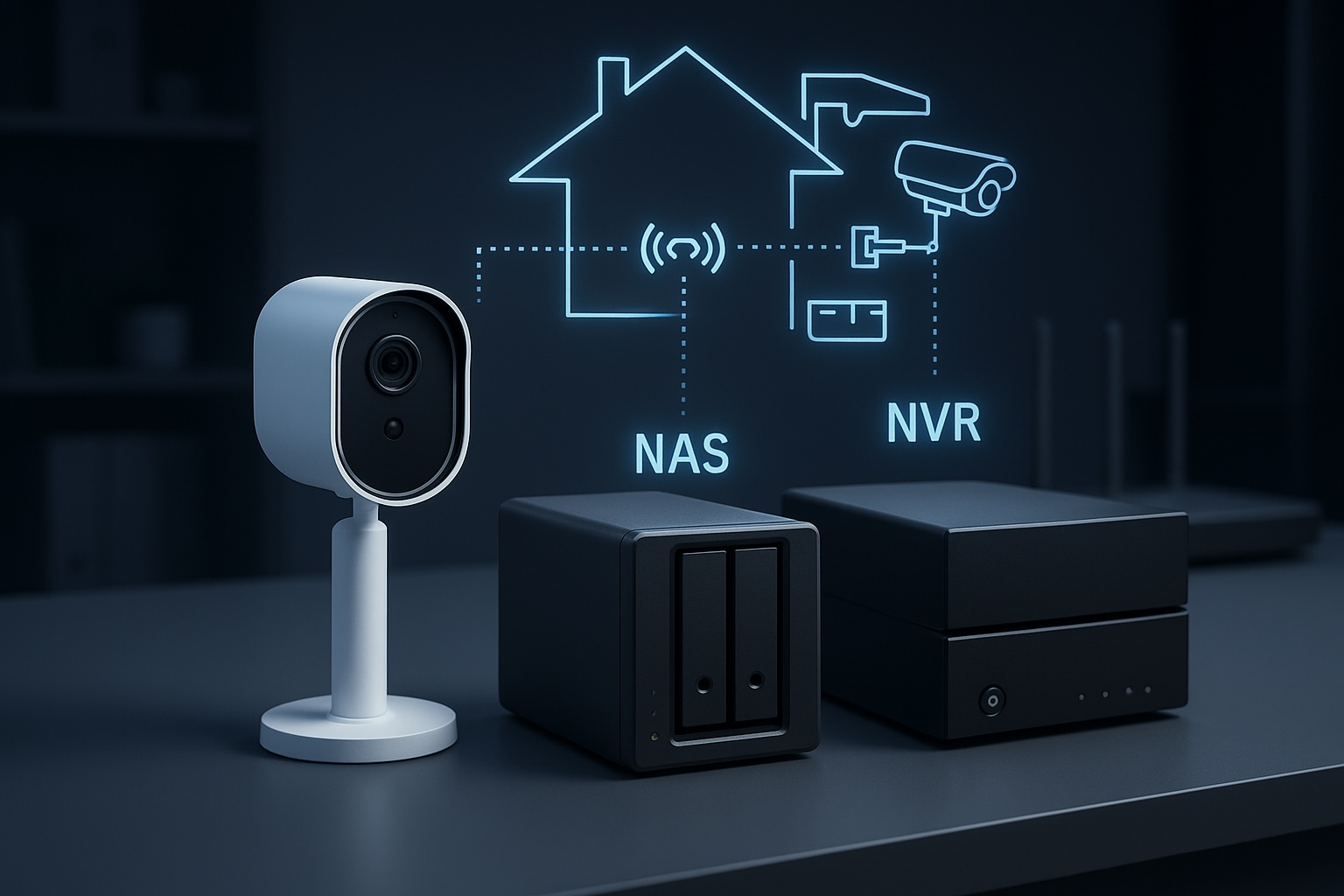
The distinction between a NAS and a dedicated NVR is something I’ve looked at separately in my guide to storing security camera footage on a NAS or NVR. HomeAgent effectively tries to combine both approaches, which makes sense for someone starting from scratch, but is much harder to justify when a capable NAS is already sitting on the network.
The OD600 Pro Still Looks Like the Standout Product

Putting HomeAgent aside, the OD600 Pro remains the product in this range I am most interested in.
It is a wired PoE outdoor camera using an unusual triple-camera design, combining an 8MP 4K camera with two 5MP 3K cameras, PTZ functionality and up to 9x zoom. A single Ethernet cable provides both power and data, which is exactly how I would rather install permanent outdoor cameras than rely on batteries and Wi-Fi. UGREEN currently lists it at $159 during the crowdfunding campaign, compared with a $269 MSRP.
This also lines up closely with what I have been looking for since I started planning a replacement for my existing Wi-Fi cameras. In my PoE security camera buying guide, the priorities I settled on were PoE, RTSP and ONVIF support, strong infrared performance and much more reliable AI detection. The OD600 Pro potentially ticks most of those boxes, which is why it remains considerably more interesting to me than HomeAgent itself.
There is also the ID500 Pro indoor camera at $89 during the campaign and $149 retail, while the battery-powered OD800 Pro costs $199 during crowdfunding and $339 according to UGREEN’s current page. The OD800 Pro has a 10,000mAh battery, a 6W solar panel and combined PIR and radar detection for installations where running Ethernet isn’t practical.
The camera hardware therefore still looks competitive. My concern isn’t really the hardware at all. It is how dependent that hardware will be on HomeAgent once it reaches customers.
There is at least some encouraging news on interoperability. HomeAgent works with ONVIF-compatible cameras, which shows UGREEN isn’t attempting to make the hub completely dependent on SynCare hardware. What I would also like confirmed is whether the SynCare cameras themselves expose standard ONVIF or RTSP streams. If they do, the cameras become much safer purchases because they could potentially be moved to another NVR platform later rather than becoming useless if you leave UGREEN’s ecosystem.
Not Everything UGREEN Is Promising Has Been Demonstrated Yet
The other reason I wouldn’t rush into HomeAgent is that much of the interesting software is still largely theoretical.
Engadget attended UGREEN’s launch event and reported that only one working HomeAgent was available. Basic smart home controls such as operating lights and curtains worked as expected, but more complex capabilities such as creating automation rules through natural-language voice input weren’t demonstrated. The SynCare facial-recognition system was demonstrated and reportedly worked, but we still haven’t seen enough of the complete HomeAgent experience to judge how reliable the finished product will be.
There is also currently no official Home Assistant integration for HomeAgent, which is a strange omission for a product aimed at users willing to spend this much money building a local smart home. That looks even stranger when Anker and Eufy’s competing local smart home platform is already being positioned with Home Assistant support. Matter compatibility gives UGREEN access to a growing range of third-party hardware, but that isn’t the same thing as properly exposing HomeAgent’s cameras, AI detections and automation engine to Home Assistant.
That doesn’t make HomeAgent a bad product. It just means I would treat the current feature list as a roadmap until we see production hardware and finished software being tested independently.
The SynCare Release Has Slipped Into 2027
There has also been a significant change to the release schedule since CES.
UGREEN originally said SynCare would arrive during the latter half of 2026. Its new crowdfunding schedule now says the OD600 Pro and ID500 Pro are scheduled to begin shipping in late January 2027, alongside the HA100. The HA100 Pro and battery-powered OD800 Pro aren’t expected to begin shipping until late April 2027, while the MasterAgent MA100 follows in July.
That doesn’t necessarily rule out UGREEN announcing some form of normal retail availability separately, but there is currently no confirmation that the original second-half 2026 SynCare launch is still happening. Anyone buying through this campaign should therefore work on the assumption that the first cameras won’t ship until January.
There is another slightly awkward detail for people who are only interested in SynCare. UGREEN currently describes the HA100, HA100 Pro and MA100 as the main Kickstarter rewards, while the SynCare cameras, Gallery displays and Uliya speaker are listed as optional add-ons. That raises a fairly obvious question over whether someone who only wants an OD600 Pro will actually be able to pledge for the camera by itself when the campaign goes live.
That seems like an odd way to introduce security cameras that were originally marketed as working with an existing NASync, and it reinforces why UGREEN needs to clarify its plans for existing NAS owners before the Kickstarter campaign begins.
Do I Actually Want HomeAgent?
As a piece of technology, HomeAgent is genuinely interesting. As something I would actually spend $899 on, I am much less convinced.
The local-first approach is exactly what I want from a smart home platform. Keeping security footage inside the house, processing AI locally and avoiding another monthly subscription are all strong points. Natural-language video search and cross-camera tracking could also be genuinely useful rather than simply being AI features added for the sake of marketing. If UGREEN can make everything work reliably, HomeAgent could become one of the more capable self-contained smart home systems available.
The problem is that I already own a NASync and already have a smart home platform. HomeAgent therefore duplicates a significant amount of hardware and functionality I already have. At $899, I would effectively be buying another NAS and NVR primarily to access UGREEN’s more advanced local AI processing. With only a couple of cameras planned, that is difficult to justify. At the eventual $1,799 MSRP, it becomes considerably harder again.
For somebody starting from scratch, the calculation is different. If you need a NAS, local camera storage and a smart home controller anyway, combining all of that with dedicated AI processing inside one appliance could make a lot of sense. There is a much stronger argument for HomeAgent when it replaces several devices rather than sitting beside hardware you already own.
Existing NASync owners are now in a much worse position than UGREEN originally suggested. SynCare was first presented as something that would work with the NAS we already owned, but UGREEN has since confirmed that the cameras will not connect directly to existing NASync systems at launch. That makes HomeAgent less of an optional upgrade and more of a requirement for anyone who wants to use SynCare in its current form.
For me, that changes the decision completely. I was interested in the OD600 Pro because I already own a NASync and wanted to add a couple of PoE cameras without buying another storage appliance. That setup is no longer possible at launch.
Requiring HomeAgent changes the value proposition completely. I can understand paying extra for advanced AI features such as event summaries, natural-language search and cross-camera tracking, but I cannot justify spending $899 on another hub simply to make the cameras work with a system that was originally promoted around NASync storage.
Unless UGREEN changes course and adds direct NASync support, the OD600 Pro is no longer the obvious choice for me. The hardware still looks excellent, but I will probably end up looking at alternative PoE cameras that can record directly to the NAS I already own.