UGREEN made a notable move at CES 2026 with the announcement of SynCare, a new home security system built around local AI, local storage, and optional ecosystem expansion.
I have already been looking into home security systems, but SynCare immediately stood out because it comes from UGREEN and appears designed to work alongside the NASync platform rather than existing as a separate, cloud dependent product line.
This does not feel like UGREEN testing the waters. It looks like a deliberate step toward connecting surveillance, storage, and local AI into a single ecosystem.
How UGREEN Is Positioning SynCare
UGREEN is presenting SynCare as a local first security platform, not just a collection of cameras.
The core pillars highlighted at CES were:
• On device AI processing
• No mandatory subscriptions
• Local storage by default
• Optional expansion through ecosystem components
Instead of relying on cloud servers to analyse footage, SynCare cameras process video locally and only notify the user when something meaningful is detected. Storage remains local as well, either directly on the camera or through optional NAS integration.
UGREEN has described SynCare as an attentive, integrated guardian that can interpret events and respond intelligently rather than simply recording footage passively.
What makes this particularly exciting for me is that it adds genuine choice without forcing a jump into a completely new ecosystem. I am already invested in NASync, and SynCare feels like a natural extension rather than a replacement. The fact that the system is subscriptionless is a major factor here. I had been seriously considering alternatives like the upcoming SwitchBot cameras paired with their AI Hub, but the requirement for a subscription to unlock key features makes that far less appealing long term. SynCare offering local AI, local storage, and advanced behaviour without recurring fees changes the equation entirely. I am aware that brands like Reolink already offer local recording and strong hardware, but SynCare feels more ambitious in how it ties cameras, AI, and NAS together. That broader vision is what makes this stand out rather than just blending into the existing market.
SynCare Security Ecosystem Capabilities
SynCare is designed as a coordinated ecosystem rather than isolated devices.
Local AI and On Device Processing
Each camera uses on device multimodal AI to recognise people, pets, vehicles, packages, and general events in real time. By analysing footage locally, SynCare can generate descriptive alerts in plain language rather than generic motion notifications.
Examples shown by UGREEN include alerts such as a stranger in black approaching the front door, package delivered, or vehicle entering the driveway. This approach reduces false alarms and makes notifications more immediately useful.
Cross Device Coordination
SynCare devices are designed to work together. Cross camera awareness allows one camera to trigger actions on another.
An example demonstrated by UGREEN includes an indoor camera detecting a baby crying, which can then trigger an audio alert or announcement from another camera or device elsewhere in the home. This coordinated behaviour is intended to provide a more cohesive monitoring experience rather than siloed camera feeds.
Risk Based Alerts and Zones
For outdoor security, SynCare supports a multi zone detection model. Users can define outer, warning, and alert zones.
Intrusion into the outer zone triggers recording. Entering the warning zone can activate lights and send notifications. Breaching the alert zone can trigger audible alarms and flashing lights. This graduated escalation is designed to deter intruders early while avoiding constant trivial alerts.
No Mandatory Cloud and Privacy Focus
UGREEN is positioning SynCare as a privacy focused, locally controlled system. AI analysis and storage are handled on the device or local network rather than in the cloud.
There are no required subscription fees for core functionality. Footage can be stored locally and, when integrated with NASync, stored as encrypted local data under the user’s control. Alerts and recordings remain within the home network, reducing exposure to external services.
The SynCare Device Lineup
UGREEN announced a full range of devices covering indoor, outdoor, and entry point monitoring. All devices share the same approach to local AI and high resolution imaging.
Indoor Cameras ID500 Pro and ID500 Plus
The indoor cameras are available in two variants.
The ID500 Pro is the higher end model, offering 4K resolution, motorised pan and tilt, and a bright f1.0 aperture lens designed for strong low light performance. UGREEN is promoting full colour night vision through its UltraColor Night Vision mode rather than infrared only imaging.
The ID500 Plus offers 2K plus resolution while retaining the same pan tilt functionality and AI feature set at a lower expected price point.
Both models use on device AI to detect people, pets, and events such as unusual sound or movement. Audio analysis enables features such as baby crying detection. Alerts are contextual rather than purely motion based.
These cameras are intended to cover larger indoor areas with fewer devices, allowing a single camera to track movement across a room and differentiate between pets, people, and other activity.

Outdoor Camera OD600 Pro
The OD600 Pro is a weather resistant outdoor camera designed for perimeter security.
It features a hybrid bullet and PTZ design with pan tilt zoom functionality and an 18 megapixel sensor with optical zoom. This allows the camera to zoom in on details such as faces or licence plates without losing clarity.
The camera supports 24 hour continuous recording and can connect via dual band Wi Fi or Power over Ethernet. PoE support provides improved reliability for users with existing network cabling.
Local AI detection is tuned to distinguish between humans, vehicles, and pets to reduce false alerts. Combined with the multi zone escalation model, the OD600 Pro is designed not just to record incidents but to actively deter intruders using lights and audible alarms.
The OD600 Pro supports Power over Ethernet, which is ideal for users who prioritise reliability or already have network cabling in place. If you are weighing up whether PoE cameras make sense for your own NAS setup, I covered the pros and cons in my guide on choosing PoE security cameras for NAS.

Video Doorbell DB600 Pro
The DB600 Pro is a dual camera video doorbell designed to provide full head to toe coverage.
The primary camera captures visitors in 4K resolution, while a secondary 2K downward facing camera monitors packages placed at the door. This ensures packages remain visible rather than being cropped out of frame.
On device AI enables detection of people, pets, packages, and package pickup events. Package pickup can be flagged as a potential theft event, generating a more urgent alert.
The doorbell connects via dual band Wi Fi and is positioned as a high end option for users who want advanced AI features without relying on cloud subscriptions.

Local AI Smarts and Edge Processing
One of the standout aspects of SynCare is its reliance on local edge processing.
Multimodal AI analyses video, audio, and motion data directly on the device. This allows SynCare to assess context rather than simply reacting to movement.
Human language alerts replace technical notifications. Instead of motion detected, users receive alerts describing what happened and where.
UltraColor Night Vision enables colour footage in very low light, improving identification and clarity at night.
All AI processing occurs locally rather than on remote servers. This reduces latency, improves privacy, and eliminates the need for cloud based AI subscriptions.
Smart Display D500 Explained
UGREEN also announced the Smart Display D500, a small touchscreen control hub for the SynCare system.
The display allows users to view live camera feeds, receive alerts, and manage settings from a dedicated screen. It can also function as a Wi Fi hub, allowing cameras to communicate on a local network segment.
UGREEN has confirmed that the Smart Display D500 is optional. All SynCare devices can be configured and managed using the mobile app alone. The display does not unlock additional features and is not required for system functionality.

NAS Integration and Local Storage Options
SynCare has been designed with NAS integration in mind from the outset.
On Camera Storage
Each camera supports local recording, typically via a microSD card. This allows footage to be stored without cloud services, though capacity is limited and management can become fragmented across multiple cameras.
NASync Compatibility
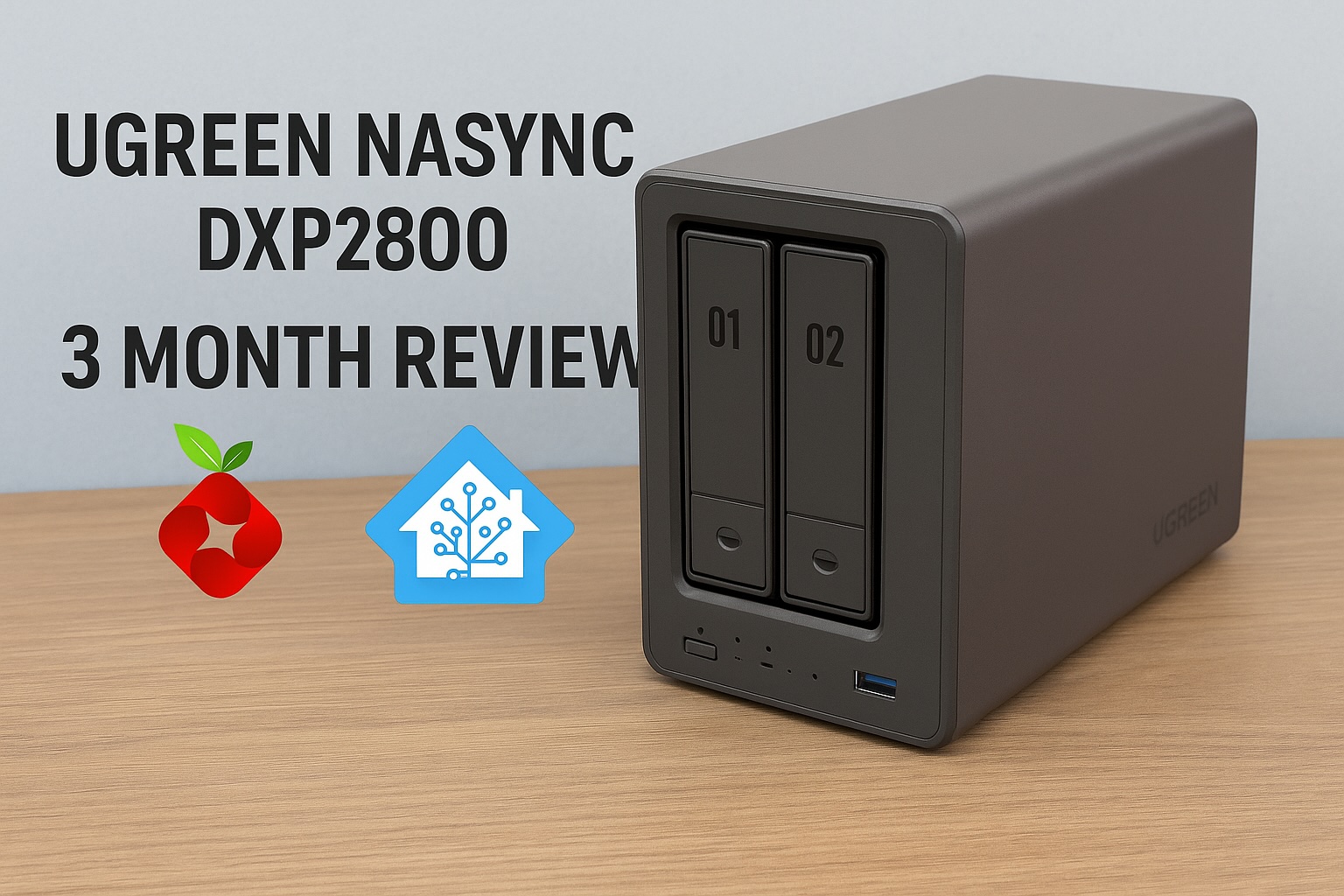
UGREEN has confirmed that SynCare devices will integrate with NASync systems. Cameras can send recordings directly to a NAS for centralised, encrypted local storage. If you want a better idea of how UGREEN’s NAS hardware performs in real world use, I covered this in detail in my UGREEN NASync DXP2800 review.
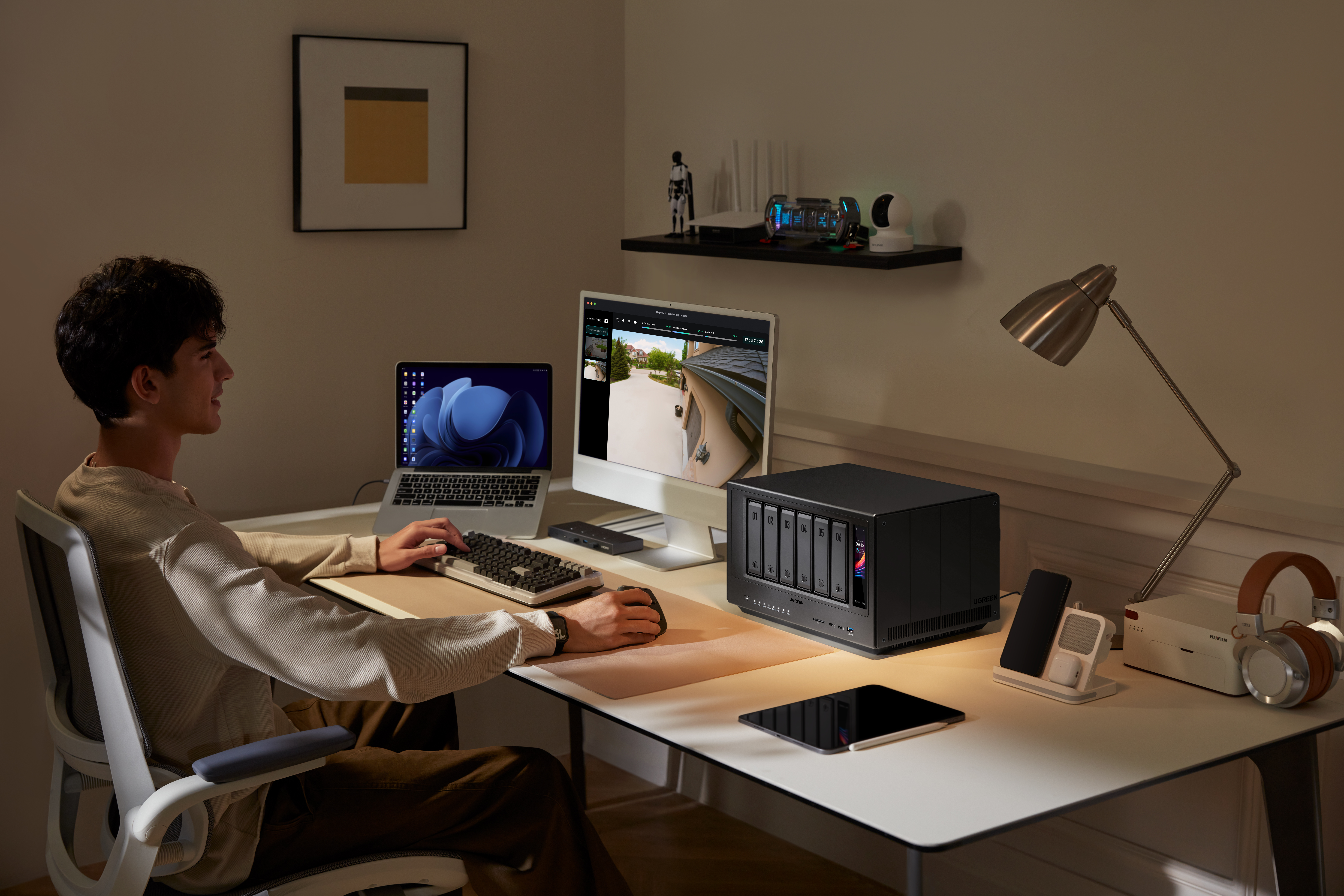
This enables significantly longer retention, unified management, and full control over where footage resides. A NASync system effectively becomes a private NVR without requiring separate recording hardware.
Optional, Not Required
A NAS is not required to use SynCare. Cameras function independently with local storage and the mobile app.
NAS integration is positioned as an upgrade path for power users who want centralised management, larger storage capacity, and NVR style functionality.
AI NASync iDX Series
Alongside SynCare, UGREEN announced the NASync iDX series of AI powered NAS devices. These systems feature Intel Core Ultra processors, up to 64GB of memory, dual 10GbE networking, Thunderbolt 4, and support for up to 196TB of storage.
These devices are designed to handle heavier workloads such as indexing large volumes of footage, long term archival, and advanced analytics. While cameras handle real time detection locally, the NAS can take on deeper processing and coordination tasks.

Cross Compatibility Questions
UGREEN has not confirmed support for third party standards such as ONVIF or RTSP, or integration with platforms like Synology, QNAP, or Home Assistant. Initial focus appears to be on the UGREEN ecosystem, though this remains an open question for users with existing NVR setups.
For context on how Home Assistant can already be run on UGREEN hardware, I previously covered installing Home Assistant on a UGREEN NAS.
Early Use Cases and Who Might Benefit
SynCare is designed to serve a wide range of users.
Typical smart home users benefit from a unified, subscription free ecosystem with intelligent alerts.
NAS enthusiasts gain the ability to centralise footage, retain high resolution recordings, and potentially leverage NAS based AI features.
Privacy conscious families can keep footage local, encrypted, and under their control.
Small businesses and home offices can deploy SynCare as a lightweight security system without contracting external monitoring services.
What This Could Enable Long Term
If executed well, SynCare positions UGREEN to build a broader local smart home platform.
By combining cameras with on device AI, NAS devices capable of heavier processing, centralised encrypted local storage, and reduced cloud dependency, UGREEN could enable natural language search across security footage, NAS level correlation of events across multiple cameras, and a true home security server model built around the NAS rather than the cloud.
The foundation shown at CES suggests this is not a short term experiment.
Release Timeline and What to Watch Next
UGREEN has stated that SynCare will launch in the second half of 2026, with pricing expected to be announced closer to release, likely around IFA.
Unconfirmed areas include third party ecosystem support, smart home platform integrations such as Matter or voice assistants, long term software update commitments, and detailed storage management options.
In the coming months, more details around pricing, integrations, and real world performance will determine how widely SynCare is adopted. But as it stands, this is not just another camera system announcement. It represents a rare combination of local AI, subscription free operation, and optional NAS integration from a brand already established in local storage. For anyone already researching home security and wanting more control without being locked into recurring fees or cloud dependency, SynCare is one of the most interesting systems to watch heading into 2026.
I’m personally looking forward to the release of SynCare, particularly because it offers a path to expand my home security without rebuilding everything from scratch. If it performs as advertised, it’s something I’d be genuinely interested in adding to my own setup.