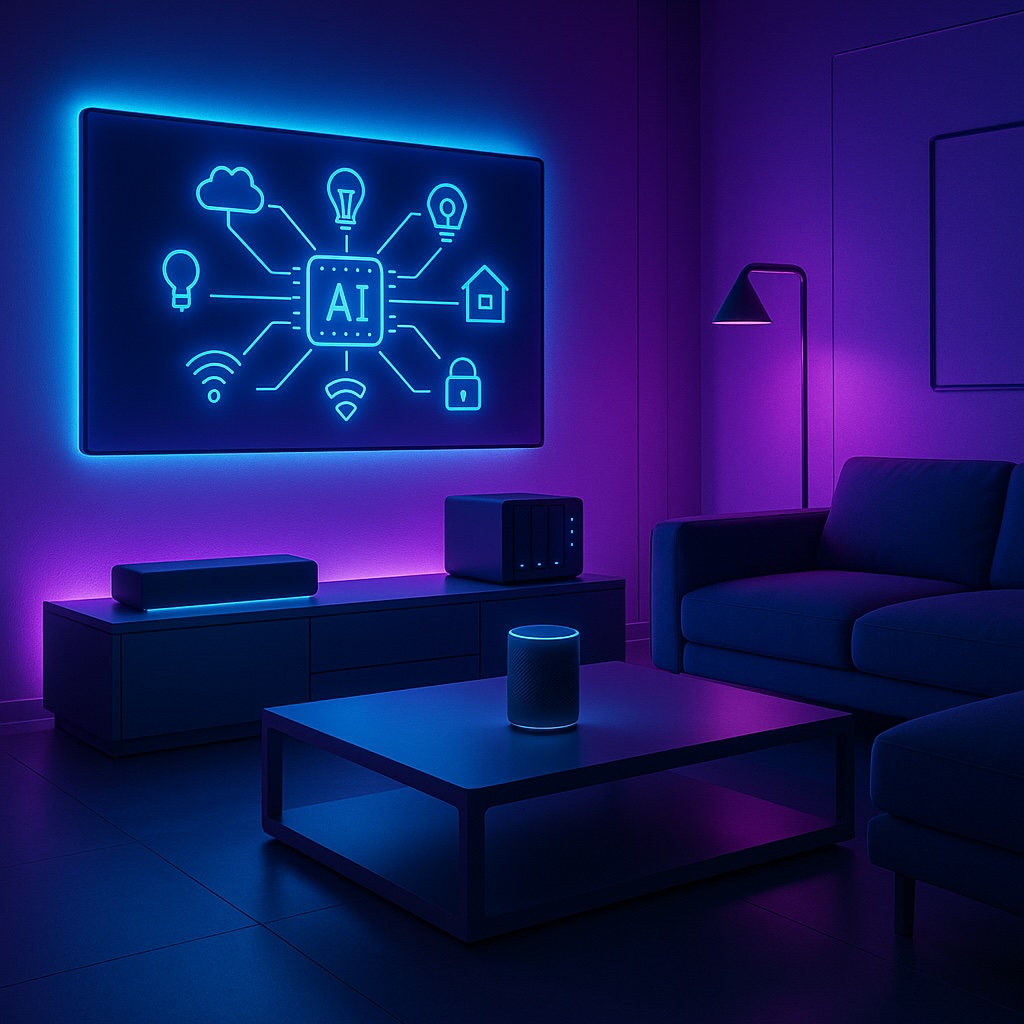
Tag: smart devices

  • How AI is Transforming Smart Homes in 2025

    How AI is Transforming Smart Homes in 2025

    Smart homes have come a long way. What began with app-controlled lights and smart speakers has grown into connected ecosystems that manage energy use, strengthen security, and adapt to individual lifestyles. Artificial Intelligence (AI) is now taking this a step further. By learning from our habits and anticipating needs, AI makes smart homes more intuitive, predictive, and personalised than ever before.


    Real-World Examples of AI in Action

    AI is no longer a futuristic concept – it is already shaping daily life. Voice assistants like Alexa and Google Home respond to more than simple commands: they learn your patterns, suggest routines, and seamlessly control lighting or music. Smart thermostats such as Nest cut energy costs by adjusting temperatures automatically when you are away. Even robot vacuums use AI to map your home, avoid obstacles, and optimise cleaning routes.

    These small but powerful examples highlight how AI is quietly transforming daily routines into smoother, more efficient experiences.


    Security Benefits of AI

    Home security is one of the biggest winners from AI integration. Modern smart cameras don’t just detect movement – they can identify whether it’s a person, a pet, or a passing car. This reduces false alarms and ensures faster, more accurate responses.

    For instance, Reolink and Eufy security systems use AI to recognise suspicious behaviour, such as someone lingering outside your home. AI-driven doorbells can even tell the difference between family members, deliveries, and strangers. By filtering out irrelevant alerts, these systems provide peace of mind without overwhelming you with constant notifications.

    The result is a smarter, calmer layer of security that protects what matters most.

    Futuristic smart home security camera with a glowing AI holographic face above it, symbolising AI-powered motion detection and smart alerts.
    AI-powered cameras can distinguish between people, pets, and vehicles, reducing false alerts.

    The Pace of AI Improvements

    It’s impossible to ignore how quickly AI tools are advancing. In only a few years, platforms like ChatGPT, Microsoft Copilot, and Grok have evolved from basic Q&A bots into assistants capable of handling planning, analysis, and even decision-making. The same acceleration is happening in smart home AI, meaning features that feel premium today will likely become standard tomorrow.

    Think of the leap from Wi-Fi 5 to Wi-Fi 7. The difference was enormous, and AI is developing at an even faster rate. This speed matters: your smart home won’t remain static – it will continue to grow smarter over time, making each device a better investment.


    What Could Be Next?

    Looking ahead, AI has the potential to unlock a new wave of possibilities:

    • Adaptive Routines: Instead of fixed schedules, your home could recognise if you’ve had a late night and delay the morning coffee routine. Imagine lights staying dimmed a little longer and your coffee maker waiting until you’re actually awake.
    • Energy Optimisation: AI could predict peak electricity prices and run appliances such as dishwashers or EV chargers at the cheapest times. Picture your EV charging automatically at 2 a.m. when energy is lowest.
    • Cross-Device Intelligence: Imagine your NAS, cameras, and smart speakers sharing data to create a unified, AI-powered view of your home.

    These aren’t distant ideas – the technology already exists. What’s left is integration and refinement.

    Modern NAS storage device on a desk with a holographic AI brain projection, representing cross-device intelligence and smart home integration.
    AI could unify devices like NAS, cameras, and smart assistants into a single intelligent ecosystem.

    Should You Upgrade? A Quick Checklist

    Not sure if you’re ready to lean into AI-powered smart home tech? Here are a few practical checks:

    • Wi-Fi: Do you already have reliable Wi-Fi and a solid base of smart devices? (If not, check out my guide on Wi-Fi 6/7 Explained.)
    • Compatibility: Are your devices ready for Matter or other new standards?
    • Automation: Do you want routines that adapt to your lifestyle rather than just follow set schedules?
    • Cloud vs Local: Are you comfortable with cloud-based AI, or do you prefer local processing?
    • Security: Have you put measures in place to protect your data?

    If you tick most of these boxes, you’re in a good position to start adding AI-driven features.

    Futuristic city skyline illuminated in neon blue and purple with AI icons floating above, symbolising the future of connected smart homes.
    The future of smart living lies in AI-powered homes that evolve alongside rapid AI innovation.

    Final Thoughts

    AI isn’t just hype – it’s already reshaping the way we live with technology at home. From smarter security to lower energy bills and personalised routines, the benefits are here and growing fast. The real challenge is deciding when to adopt and which tools to trust.

    For many households, the best path is to start small. Add an AI-enhanced camera, try an adaptive thermostat, or set up an AI-powered routine in Home Assistant. As the technology matures, you can build out a smarter, more responsive system that truly makes life easier.

    If you’re planning upgrades, visit my Recommended Gear page where I highlight reliable options across networking, NAS, and smart home setups. Pairing the right hardware with emerging AI features will help you create a home that’s not just smarter, but genuinely more helpful.

    The future of smart homes isn’t about gadgets — it’s about creating a home that works seamlessly in the background, so you can focus on living. With AI, that future is closer than ever.
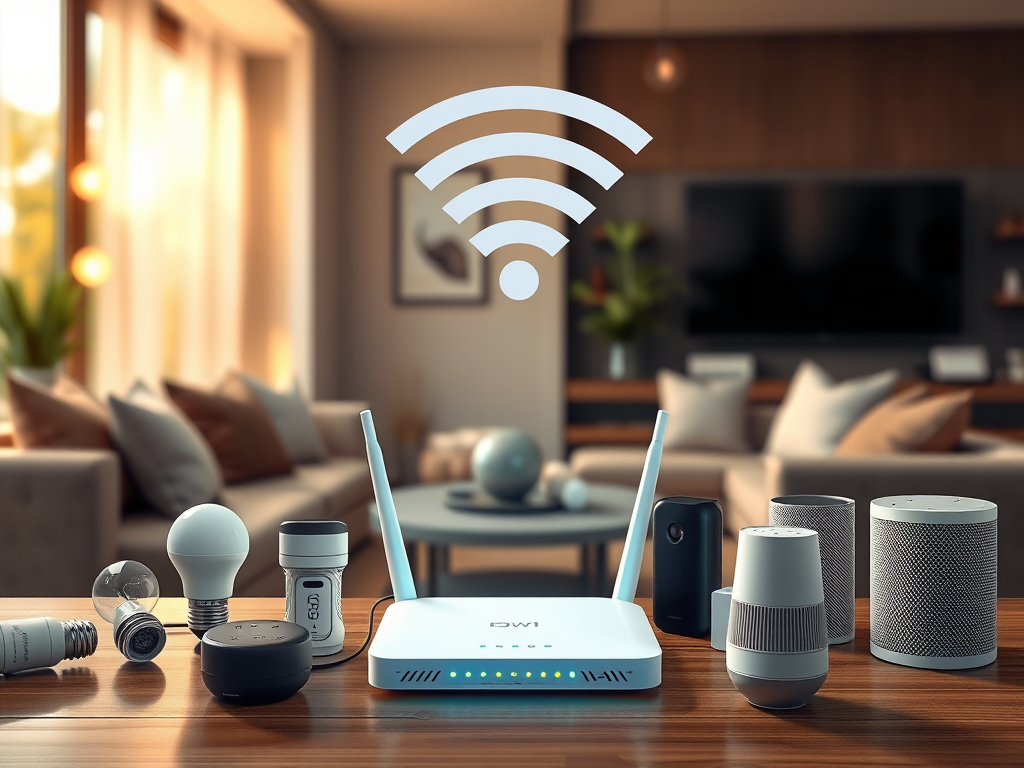
  • Smart Home Network Setup: 7 Best Practices for Connectivity & Security

    Smart Home Network Setup: 7 Best Practices for Connectivity & Security

    Introduction

    Ever had your smart light take ages to turn on? Or your security camera lose connection at the worst time? A poorly optimized smart home network is the hidden culprit behind these daily frustrations.

    A smart home setup can make life more convenient, energy-efficient, and secure, but only if your network is built to handle the demands of multiple connected devices. A poorly configured network can lead to slow performance, security vulnerabilities, and connectivity issues.

    This guide walks you through how to set up a smart home network, ensuring reliable connectivity, security, and efficiency—without needing expensive upgrades.


    1. Planning Your Smart Home Network

    Before connecting devices, it’s important to assess your network’s capabilities:

    • How many devices will be connected? Smart homes can range from a single device to an entire ecosystem of interconnected gadgets.
    • What are your bandwidth needs? Streaming 4K content or running security cameras requires more bandwidth than smart lights and sensors.
    • Where will devices be placed? Some devices (e.g., outdoor cameras) may struggle with weak Wi-Fi signals.

    Action Steps:
    ✅ Check your router’s device limit and bandwidth capabilities.
    ✅ Consider a separate network for smart devices (more on this below).
    ✅ Identify Wi-Fi dead zones that may need signal improvements.


    2. Smart Home Devices & Network Requirements

    Not all smart devices have the same network needs:

    • Low-bandwidth devices (e.g., smart bulbs, plugs, sensors) work fine on 2.4 GHz Wi-Fi.
    • High-bandwidth devices (e.g., cameras, smart speakers, streaming devices) benefit from 5 GHz or wired connections.
    • Latency-sensitive devices (e.g., video doorbells, smart locks) require strong, stable signals to work instantly.

    Action Steps:
    Use 5 GHz Wi-Fi for devices that need fast data transfer (smart TVs, security cameras).
    Use wired Ethernet for mission-critical devices like home security hubs and smart speakers.
    Place routers or mesh Wi-Fi nodes near bandwidth-heavy devices.

    Comparison of 2.4 GHz and 5 GHz Wi-Fi bands, showing ideal device connections.

    3. Setting Up a Dedicated Smart Home Network

    Many routers allow you to create a separate network just for smart devices. Why?

    • Prevents smart home devices from interfering with personal computers and smartphones.
    • Improves security by isolating smart devices from sensitive data.

    Best Options:

    • Guest Network: If your router has this feature, enable it and connect all smart devices to it.
    • VLAN (for Advanced Users): If your router supports VLANs, you can segment smart home traffic from personal devices.

    Action Steps:
    ✅ Create a separate SSID (Wi-Fi name) for smart home devices.
    Disable remote access for devices that don’t need it.
    ✅ Set up static IPs for key smart home devices (ensures a stable connection).

    A segmented home network with IoT devices isolated from personal devices for security.

    4. Securing Your Smart Home Network

    Since smart home devices are common hacking targets, it’s crucial to secure them properly.

    Key Security Measures:

    • Change Default Passwords – Many smart devices ship with weak, easy-to-guess passwords.
    • Enable WPA3 Encryption – If your router supports WPA3, use it for better security (otherwise, use WPA2).
    • Regularly Update Firmware – Many vulnerabilities come from outdated firmware.
    • Disable Unused Features – Turn off WPS (Wi-Fi Protected Setup) and UPnP (Universal Plug and Play), as they can be security risks.
    • Use Two-Factor Authentication (2FA) – Many smart home platforms offer 2FA for added protection.
    A checklist of essential cybersecurity steps to secure home networks and smart devices.

    Action Steps:
    Rename SSIDs (avoid using your last name or home address).
    Update device passwords to something unique and strong.
    Enable automatic firmware updates for all devices.
    ✅ Set up 2FA for smart home apps (Google Home, Alexa, etc.).


    5. Optimizing Smart Home Performance

    Even with a strong network, smart home devices can sometimes experience lag or disconnections. Here’s how to improve performance:

    • Reduce Wi-Fi Interference – Use router settings to switch to less crowded channels.
    Wi-Fi coverage heatmap before and after optimizing network with an access point.
    • Use Mesh Wi-Fi or Wi-Fi Extenders – For large homes, a mesh system can help eliminate dead zones.
    • Monitor Your Network – Use router admin tools or apps to see which devices are using the most bandwidth.

    Action Steps:
    ✅ Run a Wi-Fi analysis tool (like NetSpot or your router’s app) to find congestion.
    Reposition smart home hubs and routers for better signal strength.
    Limit background bandwidth use on streaming devices during peak hours.


    6. Smart Home Automation & Integration

    Now that your network is optimized for speed and security, let’s explore how to maximize your smart home’s potential with automation.

    Infographic depicting smart home automation routines with geofencing and scheduling.

    Examples of Smart Home Automation:

    • Geofencing: Lights and thermostat adjust when you leave home.
    • Schedules & Routines: Automate lights, blinds, and coffee makers.
    • Voice Commands: Control devices using Google Assistant, Alexa, or Apple HomeKit.
    • Sensor-Based Automation: Motion sensors trigger lights or security cameras.

    Action Steps:
    ✅ Set up routines in Alexa, Google Home, or Apple HomeKit.
    ✅ Enable geofencing for smart lights & thermostats.
    ✅ Experiment with motion-based triggers for security.


    Conclusion: Building a Smart & Secure Home Network

    Your smart home is only as good as the network it runs on. With these steps, you’ll enjoy faster connections, better security, and smoother automation. Ready to take the next step? Stay tuned for my guide on smart home automation!


    📌 Coming Soon: “Intro to NAS & Network Storage: Why You Should Consider It” 🚀