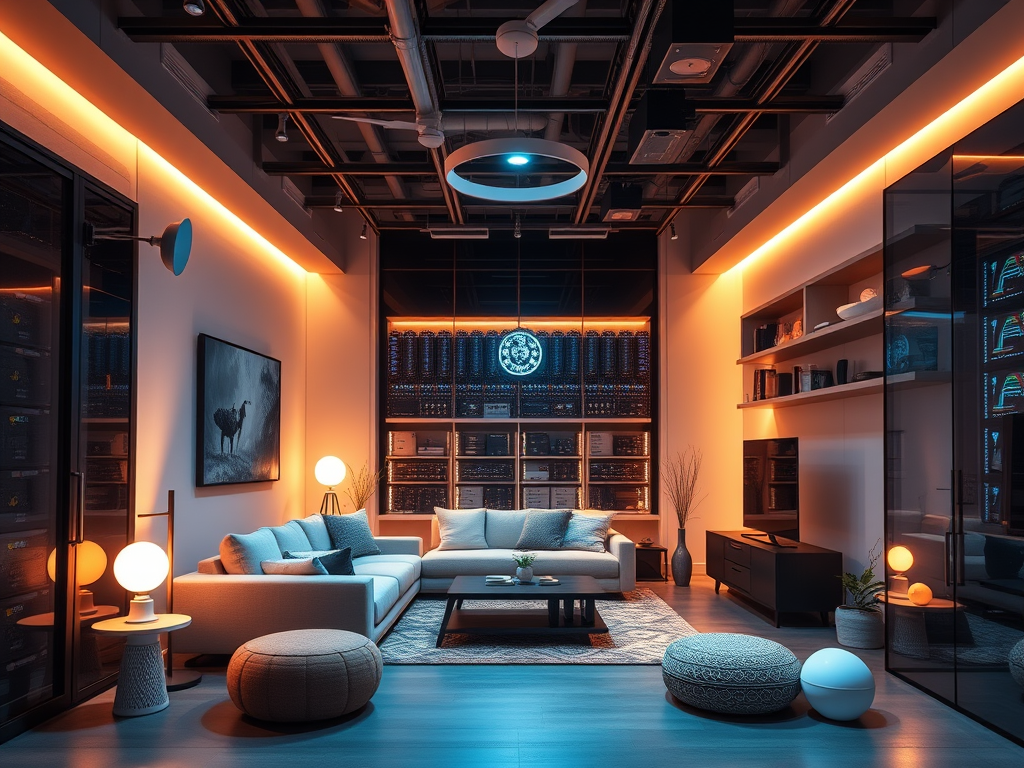
Tag: smart home reliability

  • How to Design a Reliable Smart Home (Using Datacenter Principles)

    How to Design a Reliable Smart Home (Using Datacenter Principles)

    Most people do not think about infrastructure when building a smart home.

    They buy a few smart bulbs, maybe a camera or two, add a smart speaker, and slowly build up automation over time. Everything works well enough until the day something goes wrong.

    The internet drops. The router crashes. A power outage hits.

    Suddenly the entire smart home stops being smart.

    After working in datacenters for years, I cannot help noticing the difference between how systems are designed at work compared to how most homes are set up. In a datacenter, failure is not a surprise. It is expected. Systems are designed with that in mind from day one.

    At home, the opposite is usually true. Devices are added one by one with very little thought about what happens if something breaks.

    The interesting thing is that you do not need enterprise hardware or complicated setups to borrow some of those design principles. A few small decisions can make a home setup far more reliable.

    Typical smart home vs infrastructure focused smart home network diagram
    A typical smart home often relies on a single router, creating a single point of failure. Adding infrastructure like UPS protection, segmentation, and local automation improves reliability significantly.

    Design With Failure in Mind

    One of the biggest mindset differences between home setups and datacenters is the assumption that things will fail.

    Hard drives fail. Networks crash. Power goes out.

    In a professional environment the question is rarely if something will fail. The real question is what happens when it does. Disks fail, switches reboot, firmware bugs appear, and power drops unexpectedly. Systems are designed so that these events do not bring everything down at once.

    Most homes are not built this way. There is usually a single router handling WiFi, internet access, and often the entire smart home platform. If that device stops working, everything connected to it stops too.

    I experienced this myself early on when my network dropped and suddenly Alexa became completely unresponsive. At the time, almost everything in the house relied on voice control. Without the network, nothing worked.

    There are plenty of other small failures that can cause the same frustration. A router firmware update might reboot unexpectedly. An ISP outage can disconnect cloud services. A failing disk in a NAS can degrade performance long before it completely dies.

    It was a good reminder that smart homes are only as reliable as the infrastructure behind them.

    Since then I have tried to make sure that if something fails, it does not take the entire house down with it.

    Smart home infrastructure stack showing power, network, platform, device and automation layers
    A reliable smart home works like an infrastructure stack. Power and networking support the platforms, devices, and automations above them.

    Protect the Power First

    In a datacenter, power protection is taken extremely seriously. Sudden power loss can damage systems, corrupt data, or bring down services unexpectedly.

    At home, most people plug everything directly into the wall and hope for the best.

    One of the first things I recommend for anyone running a NAS, router, or home server is a UPS (uninterruptible power supply).

    A UPS does two very simple but important things.

    First, it protects equipment from sudden power loss. This prevents things like NAS corruption when drives are actively writing data.

    Second, it gives systems enough time to shut down safely during longer outages.

    In my own setup, the UPS is dedicated to the NAS itself. It is a NAS-specific unit designed to protect the system during outages, allowing it to shut down gracefully rather than losing power abruptly. That has already proven useful in practice. During power cuts, the UPS has kept the NAS running long enough to shut down properly, and when power returns, the NAS powers back up without drama.

    My router is not currently backed up in the same way. If I needed temporary network power during an outage, I do at least have an EcoFlow River Pro 2 available as a fallback, but that is a more manual solution rather than something permanently integrated into the setup.

    If you are curious about the specific unit I use, I covered it in detail in my review of the UGREEN US3000 NAS UPS:

    UGREEN US3000 NAS UPS review

    I also wrote a broader overview of different backup power approaches for smart homes here:

    Smart home power backup solutions

    Backups Should Not Live in the Same House

    Another lesson from working with infrastructure is that backups only matter if they survive disasters.

    A lot of people buy a NAS thinking they are now fully protected. In reality, a NAS alone is not a backup strategy.

    If the NAS fails, gets stolen, or the house experiences fire or flood damage, the data disappears along with it.

    This is why many professional environments follow the 3-2-1 backup rule:

    • 3 copies of your data
    • stored on 2 different types of media
    • with at least 1 copy stored off site

    At home the same logic applies.

    If you are running a NAS at home, this becomes even more important. I run my own storage on a UGREEN NASync system, which I reviewed after two months of real-world use:

    UGREEN NASync DXP2800 review after two months

    In my case I automate off site backups using rclone to send encrypted backups to cloud storage on Azure:

    Automated NAS backups with rclone

    In my case I run backups from my NAS to an external location so that important data exists in more than one physical place. Even if something catastrophic happened to the house, the data would still exist elsewhere.

    Network Segmentation Without Overcomplicating Things

    In datacenters, networks are carefully segmented so different systems do not interfere with each other.

    Most homes run everything on a single flat network.

    Phones, laptops, cameras, smart plugs, TVs, and automation devices are all mixed together. For many homes this works fine, but as the number of devices grows it can start to cause problems.

    One approach borrowed from professional infrastructure is network segmentation. This separates certain devices from the rest of the network so they operate in their own space.

    The good news is that modern routers have started making this easier.

    For example, my current router, the TP-Link Deco BE85, includes a dedicated IoT network designed specifically for smart home devices.

    I covered the router itself in more detail in my full review here:

    TP-Link Deco BE85 review

    Modern routers are also beginning to support newer local first smart home standards. The Deco BE85 can act as a Thread Border Router, allowing Thread based devices to communicate locally without relying on cloud services.

    This fits well with the broader idea of building a resilient smart home infrastructure. If the internet connection drops, devices that communicate locally can continue working rather than becoming completely unresponsive. This allows things like cameras, smart plugs, and sensors to live on their own network while the main network handles laptops, phones, and other personal devices.

    This provides some of the benefits of network segmentation without needing to manually configure VLANs or advanced networking features.

    Monitoring Matters More Than You Think

    In professional infrastructure environments, systems are constantly monitored.

    Disk health is checked. Power status is monitored. Alerts are triggered when something starts to fail.

    At home, problems are often discovered only after something stops working.

    Many NAS systems already include built in monitoring tools that track things like SMART disk data, temperatures, and system health. These systems can send alerts if a drive begins reporting errors or if something starts behaving unexpectedly.

    Catching a failing disk early is far less stressful than discovering the problem after the array degrades or fails.

    Even simple notifications can prevent major data loss.

    Cloud Dependence Is a Hidden Weak Point

    Smart homes often rely heavily on cloud services.

    Voice assistants, device integrations, and automation platforms frequently depend on an active internet connection to function. When the internet goes down, the entire system can suddenly stop responding.

    Since then I have tried to favour systems that can run locally where possible. Platforms like Home Assistant allow smart home devices to continue working even if the internet connection drops.

    I run Home Assistant directly on my NAS, and documented the setup here if you are interested in building a similar local first automation system:

    Installing Home Assistant on a UGREEN NAS

    This reduces reliance on external services and keeps automations functioning even during outages.

    A Simple Smart Home Reliability Checklist

    If you want a quick starting point, a few small decisions can make a surprisingly big difference.

    • Reliable router and stable home network
    • UPS protecting network equipment and NAS
    • Automatic NAS backups
    • Off site backup copy
    • Local automation where possible

    None of these require enterprise hardware, but together they dramatically improve reliability.

    You Do Not Need a Datacenter in Your House

    All of this might sound like over engineering, but the goal is not to turn a home into a miniature datacenter.

    The real takeaway is simply thinking about reliability earlier.

    A reliable router.

    A UPS protecting important devices.

    A backup strategy that survives disasters.

    Those three things alone already make a smart home far more resilient than most.

    Final Thoughts

    Working in datacenters has probably made me overly cautious about infrastructure. When you spend your days thinking about redundancy, monitoring, and failure scenarios, it is hard not to apply that thinking at home as well.

    The funny thing is that once you start thinking this way, it becomes difficult not to apply it everywhere. You start asking small questions most people never consider.

    What happens if the router dies?

    What happens if the internet drops?

    What happens if a drive fails overnight?

    Those questions are exactly what keep datacenters running smoothly. And surprisingly, they work just as well in a normal home.

    The good news is that building a reliable smart home does not require enterprise budgets or complicated setups.

    It mostly comes down to a few sensible design choices and remembering one simple principle.

    Things will eventually break. Planning for that ahead of time makes everything else work far more smoothly.
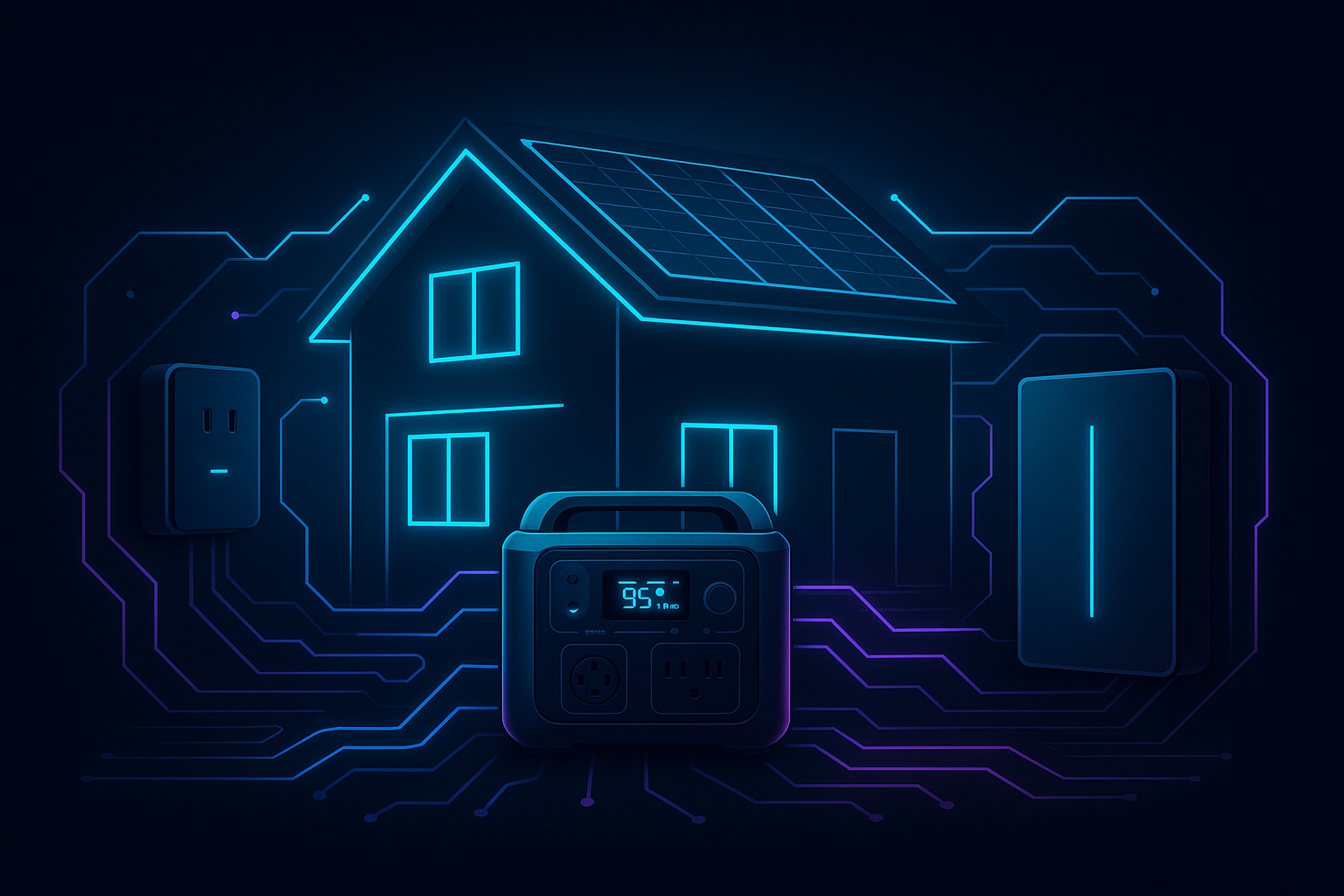
  • Keeping Your Smart Home Online: Best Power & Backup Solutions for 2025

    Keeping Your Smart Home Online: Best Power & Backup Solutions for 2025

    Smart homes thrive on reliability. From your NAS storing critical data to your cameras keeping watch and your router connecting it all, everything depends on uninterrupted electricity. Yet power cuts, surges, or even short flickers can disrupt your entire setup — leaving you without security, access, or data integrity.

    The good news is there are straightforward ways to protect your system. Let’s break down the best options, from simple surge protectors to whole-home backup systems.

    💡 Disclosure: This post contains affiliate links. If you buy through these links, I may earn a commission at no extra cost to you. This helps support the blog and keeps content free.


    Why Power Protection Matters for Smart Homes

    A smart home without power is just a house full of expensive devices. Sudden outages can:

    • Corrupt data on your NAS or RAID array
    • Interrupt camera recording and leave blind spots
    • Drop your internet connection, cutting you off from alerts or remote access
    • Reset devices mid-update, sometimes causing configuration errors

    Even short interruptions can create frustration or trigger costly rebuilds. That’s why building in layers of power protection is so important.

    👉 If you’re new to NAS setups, check out my Beginner’s Guide to Setting Up the UGREEN NASync, which shows how I built the base of my smart home.


    Types of Power Protection

    1. Surge Protectors – Affordable First Line of Defence

    The entry-level option but still critical. A surge protector shields your equipment from voltage spikes caused by lightning strikes, faulty wiring, or grid instability. Without one, a single surge could fry your NAS or router.

    What to look for:

    • Joule rating: Higher is better. Aim for at least 2000 joules for electronics like NAS units or routers.
    • Status indicators: Good models have a light or alert to tell you if protection is still active.
    • Form factor: Choose between power strips (flexible) or wall-mounted units (tidier for smaller setups).

    Popular brands: Belkin, APC, Anker. These companies offer reliable surge protection for smart home gear at accessible prices.

    View Surge Protectors on Amazon

    A surge protector is the simplest way to shield smart home devices from damaging power spikes.

    2. UPS (Uninterruptible Power Supply) – Instant Protection

    A UPS is the first real step toward resilience. It provides instant failover power using an internal battery, so your devices never actually see the power drop. Think of it as a short-term safety net.

    Common types:

    • Standby UPS – basic, designed for small loads like routers and modems.
    • Line-interactive UPS – balances cost and performance, great for NAS devices and small servers. They regulate voltage as well as provide battery backup.
    • Online/double-conversion UPS – professional-grade, converting incoming AC to DC and back again, delivering clean and stable power continuously. Ideal for heavier smart home labs.

    Popular brands: APC and CyberPower are widely used for home and small office setups, with options ranging from budget-friendly to advanced models with software integration.

    View UPS Options on Amazon

    💡 Example: Running a NAS behind a line‑interactive UPS gives you 20–60 minutes of runtime, enough to trigger auto‑shutdown or ride out short outages. For more on how the NAS fits into my day‑to‑day setup and workflows, see my 2‑Month Review of the UGREEN NASync.

    A UPS provides instant backup, keeping your NAS and router online during short outages.

    3. Portable Power Stations – Flexible Extended Runtime

    Portable power stations look like large battery packs, but unlike a UPS, they don’t provide seamless switchover. If the power cuts, your devices will turn off unless you manually connect them to the station. They’re best seen as extended runtime solutions for longer blackouts.

    Where they shine is flexibility. Many manufacturers now offer robust options that can also integrate with solar panels for emergency recharging:

    • Anker – The SOLIX range includes compact and heavy-duty stations, some even supporting EV charging. Anker is known for reliability, sleek design, and good warranty support, making them a safe choice for newcomers.
    • EcoFlow – Recognised for modular systems and excellent solar integration. Their fast-charging batteries and intuitive apps make EcoFlow ideal if you want portability and speed when recharging.
    • Bluetti – A favourite for large capacity and modular expandability. Often chosen by users who need long runtimes or semi-permanent backup solutions for home labs and smart homes.
    • Jackery – A market leader in portable stations, particularly their solar generator kits. Jackery units are beginner-friendly, simple to set up, and pair well with solar panels for off-grid or emergency use.

    These brands provide models at different capacities, from a few kWh to much larger setups. The right one depends on how long you need to run your devices and what you want to keep powered.

    Portable power stations give hours of runtime and can recharge from solar, making them ideal for longer outage

    4. Whole-Home Battery Storage – Ultimate Resilience

    If you want complete resilience, whole-home systems keep everything running seamlessly, not just select devices.

    • Anker SOLIX X1 – Modular from 5 kWh to 180 kWh, solar-ready, with ultra-fast 20 ms switchover.
    • Tesla Powerwall 2 – 13.5 kWh per unit, stackable, widely available, integrates tightly with solar setups.
    • LG Chem RESU – Compact home battery solution, popular in solar installations.

    These options are expensive, but they ensure your smart home, security, and even EV charging continue uninterrupted during extended blackouts.

    Whole-home battery systems like the Anker SOLIX X1 provide seamless backup for your entire house.

    👉 Curious about how this ties into broader smart home resilience? My post on AI Transforming Smart Homes in 2025 shows how AI plus reliable power makes automation much more effective.


    How Much Backup Do You Need?

    It’s easy to overestimate. Think about what you actually need alive during an outage:

    • Small setups (NAS + router + PoE switch): under 200 W. A basic 600–850 VA UPS will keep this alive for 20–30 minutes. Just enough for safe shutdowns.
    • Medium setups (add servers, hubs, multiple cameras): 1000–1500 VA UPS is better. Expect 30–60 minutes depending on load.
    • Larger setups (multi-camera security, home lab equipment): consider 2000 VA+ UPS or a portable power station for several hours runtime.
    • Whole-home resilience: if you want lights, heating/cooling, and appliances powered too, only a home battery system like Tesla Powerwall or Anker SOLIX X1 will cut it. These deliver many hours, even days, of backup depending on size and load.

    💡 Pro tip: Check the wattage of each device (often listed on power bricks). Add them up, then pick a backup option that supports at least 20–30% more capacity than you need.


    Challenges & Trade-Offs

    No solution is perfect, and it’s worth knowing the downsides before you invest:

    • Surge Protectors – Cheap but not foolproof. They wear out over time (joule capacity is finite), so they need replacing every few years.
    • UPS systems – Excellent for seamless protection, but the internal batteries degrade and usually need replacement every 3–5 years. Runtime is limited — they’re for short interruptions, not long blackouts.
    • Portable Power Stations – Offer flexibility and long runtime, but no automatic failover. You’ll need to switch devices manually when power goes out. They’re also heavier and pricier than a basic UPS.
    • Whole-Home Batteries – The gold standard, but very expensive and often require professional installation. They also take up space and may need integration with solar for best results.

    Understanding these trade-offs helps you pick the solution that fits both your budget and your actual needs.


    Final Thoughts

    Power is the weakest link in most smart homes. You can have the best NAS, the most advanced cameras, and perfectly tuned Wi-Fi, but when electricity drops, it all collapses.

    The good news? You don’t have to spend thousands right away. Start small with a surge protector and a UPS for your router and NAS. If resilience matters more, expand into portable power stations with solar charging, or go all-in with whole-home battery storage.

    👉 If you’re planning upgrades, visit my Recommended Gear page where I’ll be adding UPS, surge protection, and backup solutions. Because a smart home should be reliable — even when the lights go out.

    💬 What are you using to keep your smart home online? Would you stick with a UPS or go all-in on a whole-home system? Share your setup in the comments — your tips might help someone else build a more resilient home!


    Image Credits:

    • Surge Protector: Geeni (official product image)
    • UPS: APC (Smart-UPS product line)
    • Portable Power Stations: Anker, EcoFlow, Bluetti, Jackery (official product photos)
    • Whole-Home Battery: Anker SOLIX X1 (official press image)