Introduction
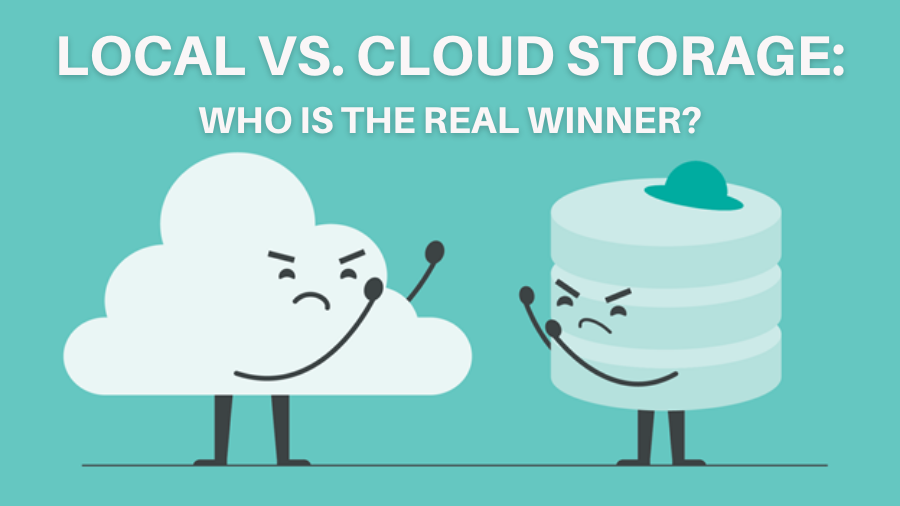
Choosing between cloud storage and local storage isn’t just about convenience—it’s about balancing security, cost, accessibility, and reliability. Cloud storage offers ease of access, but is it secure enough? Local storage gives you control, but is it practical in the long run?
This guide breaks down the key differences, so you can choose the best option based on your needs, risk tolerance, and budget.

1. What is Cloud Storage?
Cloud storage refers to storing data on remote servers managed by a provider (e.g., Google Drive, OneDrive, Dropbox). These services allow you to upload, access, and sync your data online from multiple devices.
✅ Pros of Cloud Storage
✔ Access from Anywhere – Your data is available on any device, anytime.
✔ Automatic Backups & Redundancy – Cloud providers store copies across multiple locations, reducing data loss risks.
✔ Scalability – Upgrade or downgrade your storage plan as needed.
✔ Collaboration & Sharing – Easily share files and collaborate in real time.
✔ No Hardware Maintenance – No need to buy or maintain physical drives.
❌ Cons of Cloud Storage
✖ Recurring Costs – Monthly fees add up over time, and higher storage tiers can be expensive.
✖ Data Privacy & Security Risks – Your files are stored on third-party servers, which may be vulnerable to data breaches, government access, or provider shutdowns.
✖ Internet Dependency – Slow or no internet? No access to your files.
✖ Limited Control – You rely on the provider’s policies, pricing, and service uptime.
2. What is Local Storage?
Local storage means keeping your data on physical devices like external hard drives, SSDs, or a Network-Attached Storage (NAS) device. This gives you direct control over your files without relying on a third party.
✅ Pros of Local Storage
✔ Full Control & Privacy – Your data is 100% yours—no third-party access or cloud provider risks.
✔ One-Time Cost – Unlike cloud storage subscriptions, you buy hardware once and own your storage.
✔ Faster Access – No internet lag—files are available instantly.
✔ Better for Large Files – Ideal for video editing, 3D modeling, and backups, where cloud speeds can be limiting.
❌ Cons of Local Storage
✖ Risk of Hardware Failure – Hard drives and SSDs can fail, degrade, or get lost. Without proper backups, data loss is permanent.
✖ Limited Accessibility – Unless you set up remote access (e.g., NAS), files are only available where the device is stored.
✖ Upfront Cost & Maintenance – Storage devices can be expensive, and you’ll need manual backups.
✖ No Automatic Redundancy – Unlike cloud services, if your drive dies, data recovery can be difficult without backups.
3. Which One Should You Choose?
Choose Cloud Storage If:
☑ You need remote access from multiple devices.
☑ You want automated backups & syncing without manual effort.
☑ You don’t mind paying a monthly fee for security and convenience.
☑ You collaborate with others and need seamless file sharing.
Choose Local Storage If:
☑ You want full control & privacy over your files.
☑ You prefer a one-time cost instead of recurring payments.
☑ You work with large files (video, 3D modeling, gaming) and need fast access.
☑ You are comfortable managing backups and storage hardware.

If you’re thinking about using a NAS for storage, read our guide on why you should consider one.
4. The Best of Both: Hybrid Storage Strategy
For most users, a hybrid setup is the ideal solution:
• Use cloud storage for documents, work files, and quick access.
• Use local storage for backups, large files, and sensitive data.
• Back up NAS to the cloud – If you store files on a NAS, use services like Backblaze B2, Google Drive, or OneDrivefor an offsite backup. This protects against hardware failure, theft, or natural disasters.
This reduces cloud costs while keeping your most important files safe.

Conclusion
Both cloud and local storage have trade-offs. If you prioritize ease of access and automation, cloud storage is the way to go. If you want total control, better privacy, and no recurring fees, local storage is the better choice.
For most people, a hybrid approach—using both cloud and local backups—offers the best balance.
How do you store your data? Let me know in the comments!
Leave a Reply