I’m currently in the process of upgrading my home security system. Until now, I’ve been using a mix of battery and solar-powered SwitchBot cameras. They seemed ideal at first, but real-world use has been frustrating. I live in an area that doesn’t get consistent sunlight, so the solar panels often fail to keep the cameras charged. Worse, I’ve had to take them down regularly just to recharge them manually. That’s fine once or twice, but it gets annoying fast.
So I started looking into the most common types of cameras out there. Each has its pros and cons, different storage methods, and a range of features depending on how you want to use them. Here’s a breakdown of what I’ve learned so far, including whether they support local SD cards, cloud backups, or integration with a NAS if that’s something you’re interested in.
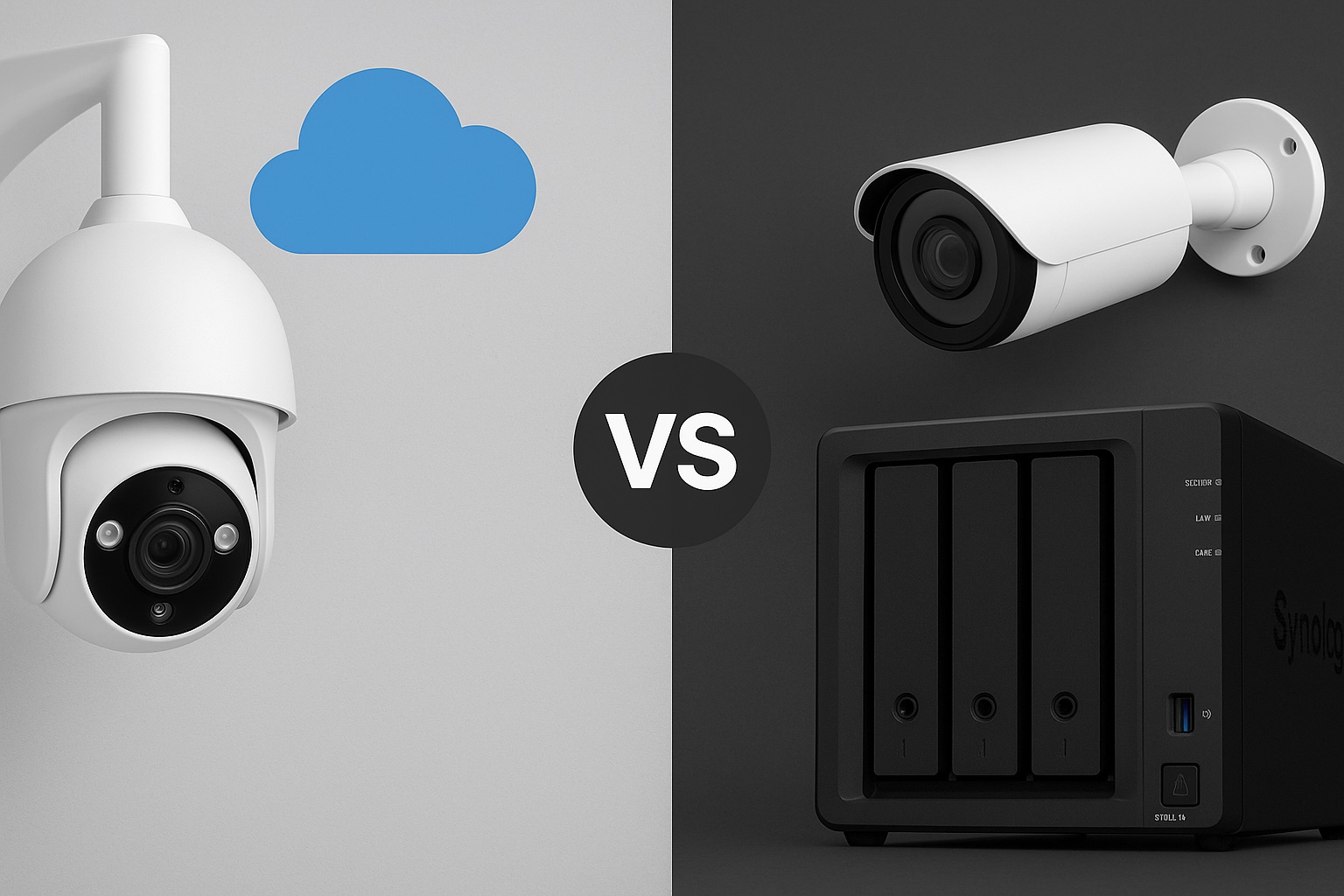
Cloud-Focused Cameras (e.g. Nest, Arlo)
Best for: Users who want app-based access and minimal setup
These cameras are designed to work as part of a broader smart home ecosystem. They often come loaded with features like face detection, voice alerts, and smart notifications. If you want a plug-and-play solution that lives inside a polished mobile app, they’re hard to beat. But they also come with limitations.
Pros:
- Very easy to set up
- Smart features are built-in
- Great mobile app support
Cons:
- Most features require a subscription
- Local storage is limited or unavailable
- You are locked into a vendor’s ecosystem
- No support for NAS or open protocols like RTSP or ONVIF
Storage:
- Cloud storage is standard, but often limited without a paid plan
- A few models support local SD or USB via a hub
- Not compatible with NAS or custom storage solutions

Battery-Powered Cameras
Best for: Outdoor areas without a nearby power source
Battery-powered cameras are incredibly flexible. You can mount them anywhere without worrying about outlets or wiring. Most come with SD card support and mobile alerts when motion is detected. But there’s a tradeoff. Because they rely on batteries, they only record on motion and will need recharging — sometimes more often than expected.
Pros:
- Completely wireless, easy to install anywhere
- Most offer SD card recording
- No cables required
Cons:
- Needs to be taken down for recharging
- Can’t record continuously
- Limited smart features unless paired with a subscription service
- No direct NAS support
Storage:
- Local SD card recording is common
- Access through vendor app
- Not suitable for NAS storage

Solar-Powered Cameras
Best for: Remote areas where recharging manually isn’t an option
These are essentially battery-powered cameras paired with solar panels. In the right environment, they can keep running for months without manual charging. In the wrong environment — like my home with limited sunlight — they become unreliable and frustrating.
Pros:
- Self-recharging in sunny areas
- Great for off-grid setups
- Flexible placement
Cons:
- Performance depends heavily on sunlight exposure
- Still motion-only recording
- Same SD and cloud storage limitations as battery models
- Not compatible with NAS
Storage:
- SD card storage is usually included
- Some brands offer optional cloud storage
- NAS integration is not supported

Wi-Fi Cameras (Plug-In)
Best for: Indoor or sheltered outdoor locations with power access
Wi-Fi cameras that plug into a wall are a nice middle ground. They remove the battery hassle and, depending on the model, may support RTSP or ONVIF, which opens the door to NAS use. They’re still dependent on your Wi-Fi network, though, so placement and signal strength matter.
Pros:
- Easy setup with permanent power
- Many support smart features like motion zones
- Some are compatible with NAS via RTSP or ONVIF
Cons:
- Needs to be placed near a power outlet
- Wi-Fi interruptions can affect performance
- Not all support local recording or open protocols
Storage:
- Often includes SD card support
- Optional cloud storage
- Limited NAS support depending on the model

PoE (Power over Ethernet) Cameras
Best for: Long-term, reliable setups with full storage control
This is the route I’m planning to take. PoE cameras use a single Ethernet cable to provide both power and data, making them ideal for stable connections and continuous recording. They work extremely well with NAS systems like Frigate, MotionEye, or Synology Surveillance Station. While installation takes more effort, the reliability and flexibility are worth it.
I’m currently exploring how to integrate a PoE camera system into my NAS setup to enable local recording and give me full control over my footage without relying on the cloud.
Pros:
- One cable for power and data
- Stable connection with no Wi-Fi dropouts
- Usually support RTSP and ONVIF
- Perfect for NAS and continuous recording
Cons:
- Installation can be time-consuming
- Requires PoE switch or injector
- You’ll need to run Ethernet cables through your home
Storage:
- Full NAS integration supported
- Local SD card or cloud may also be available
- Excellent for 24-hour recording with alerts

Storage Options at a Glance
| Storage Type | Pros | Cons |
|---|---|---|
| Cloud | Accessible from anywhere, simple to set up | Privacy concerns, recurring subscription fees |
| SD Card | Local and private, no subscription required | Limited capacity, footage only accessible via device |
| NAS | Centralised, scalable, private | Requires setup and compatible hardware |
Quick Checklist: What’s Best for You?
✅ I want something easy to set up, no cables, and don’t care much about recording control
→ Cloud-Focused Camera
✅ I don’t have outdoor power and want flexibility
→ Battery Camera (but be ready to recharge it)
✅ I live in a sunny area and don’t want to climb a ladder to recharge
→ Solar Camera
✅ I have power outlets near the camera and want better reliability
→ Wi-Fi Camera
✅ I want full control, 24/7 recording, and local storage through NAS
→ PoE Camera
Final Thoughts
Every camera type has its place. If you just want to keep an eye on your front door and get notifications on your phone, a cloud-first model or SD card camera might be enough. But if you’re tired of recharging batteries or you want more control over your footage, it might be time to think bigger.
For me, the tipping point was having to regularly take down cameras just to recharge them and not being able to rely on solar panels. I’m moving to PoE to get a more stable, scalable solution.
Next time, I’ll be comparing different camera brands and what each one does well, so you can choose the right fit for your setup.
Leave a Reply